
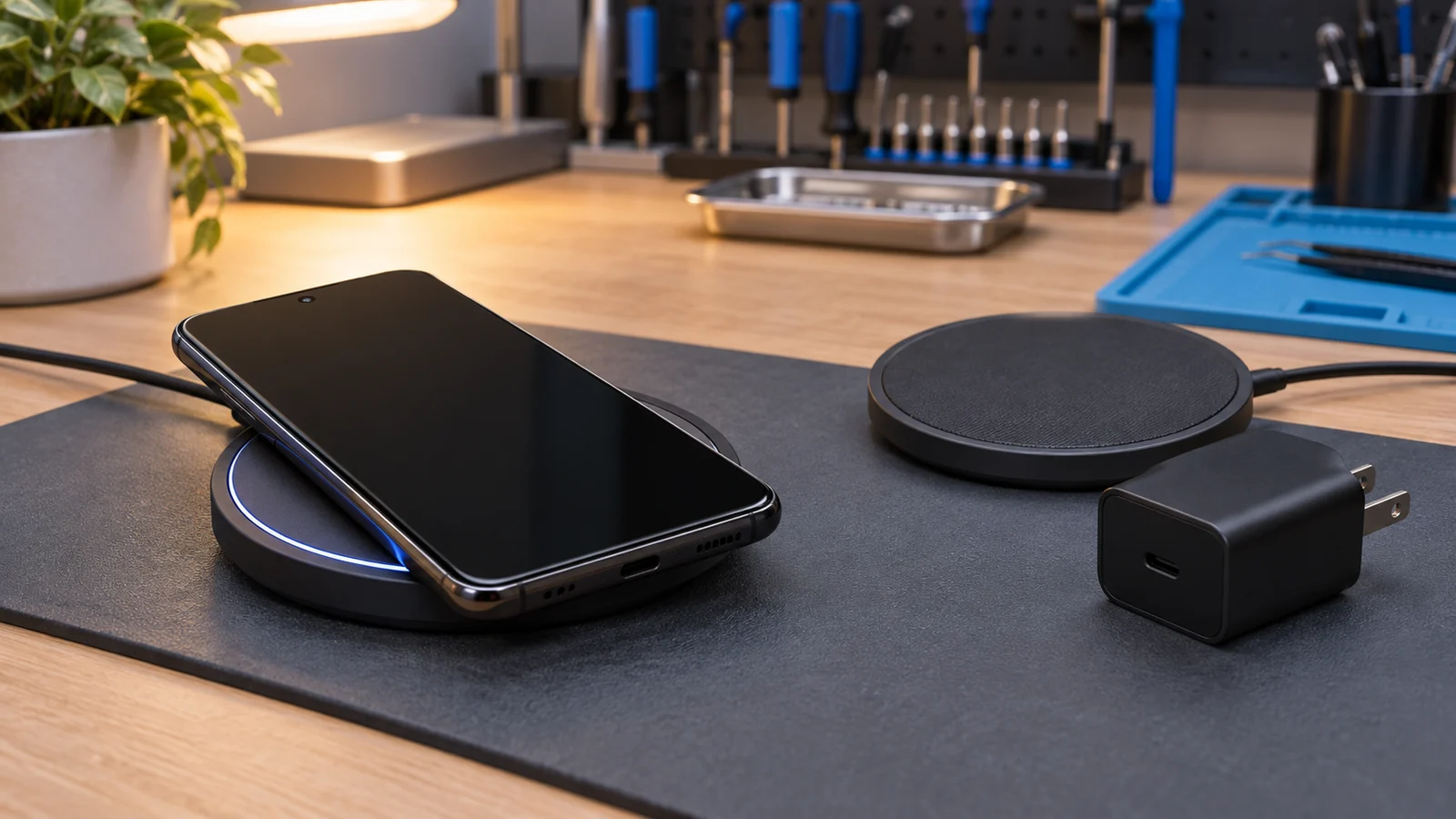
Confirm that the Galaxy model supports wireless charging
Samsung says many Galaxy S, Note, Z Fold, and Z Flip models support wireless charging. It also says the Galaxy A, XCover, and Tab families do not support it. Check the exact model number in Settings or on the original device record, then compare it with Samsung's current compatibility list.
A phone that does not support wireless charging will not start merely because the pad, case, or adapter changes. Do not treat an unsupported model as a broken charger or phone.
Record the charging state before changing anything
Set the phone on the pad once and note what happens. Does the screen show a charging symbol? Does charging start and stop? Does the pad flash an indicator? Does the phone charge slowly but steadily? Does the result change after a recent phone update, new case, new pad, new cable, or new power adapter?
Keep those states separate. No response points to a different branch than a stable slow charge. Repeated connection can follow alignment, a case, heat, power input, or compatibility. None of those observations alone proves a failed charging coil or battery.
Stop when heat or damage is part of the symptom
Disconnect the setup if the phone, battery area, case, pad, cable, or adapter is swollen, cracked, wet, burnt, sparking, smoking, giving off an unusual odor, or too hot to handle normally. Do not charge a phone after liquid exposure until it has been assessed safely.
Wireless charging normally creates some warmth. Strong heat, a warning, repeated shutdown, or a device that heats while idle ends the home test. Do not cool the phone with a freezer, ice, compressed air, or a wet cloth.
Power the pad with the intended adapter and cable
The pad needs its own suitable power input. Samsung says to use the adapter and cable supplied with the device or wireless charger. A weak USB port, damaged cable, or mismatched adapter can leave the pad lit but unable to hold a charge.
Plug the pad into a known working wall outlet with its intended cable and adapter. Do not add a hub, extension chain, power bank, or computer USB port to the same test. If the pad has a visible indicator, record its normal or fault pattern from the pad maker's instructions.
Remove the case and center the phone
Remove the case, wallet, grip, card holder, metal plate, magnetic ring, skin, and other accessory when each item comes off normally. Check the pad and the back of the phone for dirt or a foreign object. Wipe only the dry exterior with a soft cloth. Do not put liquid into a seam or port.
Place the phone flat and centered on the pad. Samsung says foldable models should be closed with the rear side facing the charger. Built-in vehicle pads and sloped stands may place the two charging coils too far apart. Move the phone only enough to find the intended position, then leave it still for the observation.
Check Qi2 and magnetic-case compatibility
Newer Galaxy phones and accessories add another compatibility question. Samsung warns that a third-party magnetic cover may not match Qi2 or Magnetic Power Profile requirements. A case can look aligned while its ring, thickness, or materials still interrupt charging or limit the charging rate.
Test without the case before buying another pad. If bare-phone charging works and charging through the case does not, keep that result. It points to the phone, case, pad, and magnetic alignment combination. It does not prove that the phone is damaged.
Let the phone and charger return to room temperature
Samsung lists temperature as a charging factor. Stop gaming, navigation, camera use, and other heavy work. Remove the phone from the pad and let the phone and charger cool in a dry, ventilated room. Do not cover the setup or put it in direct sun.
Retest only after both devices feel normal. A stable charge after cooling is useful evidence. It is not permission to ignore recurring heat or a temperature warning.
Make one controlled comparison
Use one known suitable wireless charger, its intended adapter and cable, the bare phone, and a working wall outlet. Keep the phone still and record the result. If possible, test the original pad with another compatible device without adding more adapters or cases.
| Result | What it tells you | Next step |
|---|---|---|
| The bare phone charges on the comparison pad | The original pad, power input, placement, or case remains in scope. | Retest one item at a time and stop after the difference is clear. |
| Another compatible device also fails on the original pad | The original pad or its power input needs attention. | Check the maker's support path or replace the setup with a certified unit. |
| The Samsung phone fails on two suitable pads | The symptom follows the phone, but the failed part is still unknown. | Preserve the result and arrange inspection. |
| Charging starts only after the phone cools | Temperature affected the result. | Stop if heat returns or the phone shows a warning. |
| Wireless and wired charging both fail | The problem is wider than wireless placement alone. | Use the separate wired-charging path and avoid repeated power tests. |
If charging by cable also fails, use the Samsung wired-charging guide. Keep its moisture, port, cable, and power-path checks separate from the wireless comparison.
Check software timing without blaming the update
Samsung says wireless charging can disconnect after a software update when a pad or standard is not fully optimized. Check Settings for a current Samsung software update and record the installed version before changing anything.
An update date is a clue, not proof. Do not factory-reset the phone, flash firmware, unlock the bootloader, or install an unofficial package to test a charging pad. If a current update is available, follow Samsung's normal supported path, restart once, and repeat the same controlled charging test.
Know when home testing is finished
Stop after model eligibility, one safe power-path check, one no-case alignment check, normal-temperature retest, and one controlled comparison. Samsung routes a phone that still will not charge to service. More pads, force, heat, resets, or overnight tests will not identify the internal cause.
If the symptom follows the phone, write down the model, software version, case, pad, adapter, cable, charging symbol, temperature, recent change, and comparison result. Back up accessible data before service when the phone can still be used normally. Do not delay when swelling, liquid, impact, odor, smoke, or unusual heat is present.
Bring a useful record to inspection
Budget Repair can review the model and test record and tell you whether a local inspection or quote is available. Use the instant quote form and include the exact Galaxy model plus the bare-phone comparison result. Inspection comes before any promise about the failed part, repairability, price, turnaround, data retention, warranty coverage, or outcome.
The Android repair page explains the local service scope. More device guides are in the Budget Repair blog.
Editorial sources
Checked October 8, 2026 against Samsung's Galaxy wireless-charging guidance, charging and temperature guidance, and placement, accessory, and charger guidance. Samsung supplies the model, pad, case, Qi2, Magnetic Power Profile, alignment, temperature, software-update, and service boundaries. Recent owner reports were used only to check current wording around interrupted or slower-than-expected charging. Budget Repair added the state record, one-change-at-a-time comparison, and physical-safety stops. No source proves a failed part or repair outcome from the symptom alone. Budget Repair is not affiliated with Samsung.