
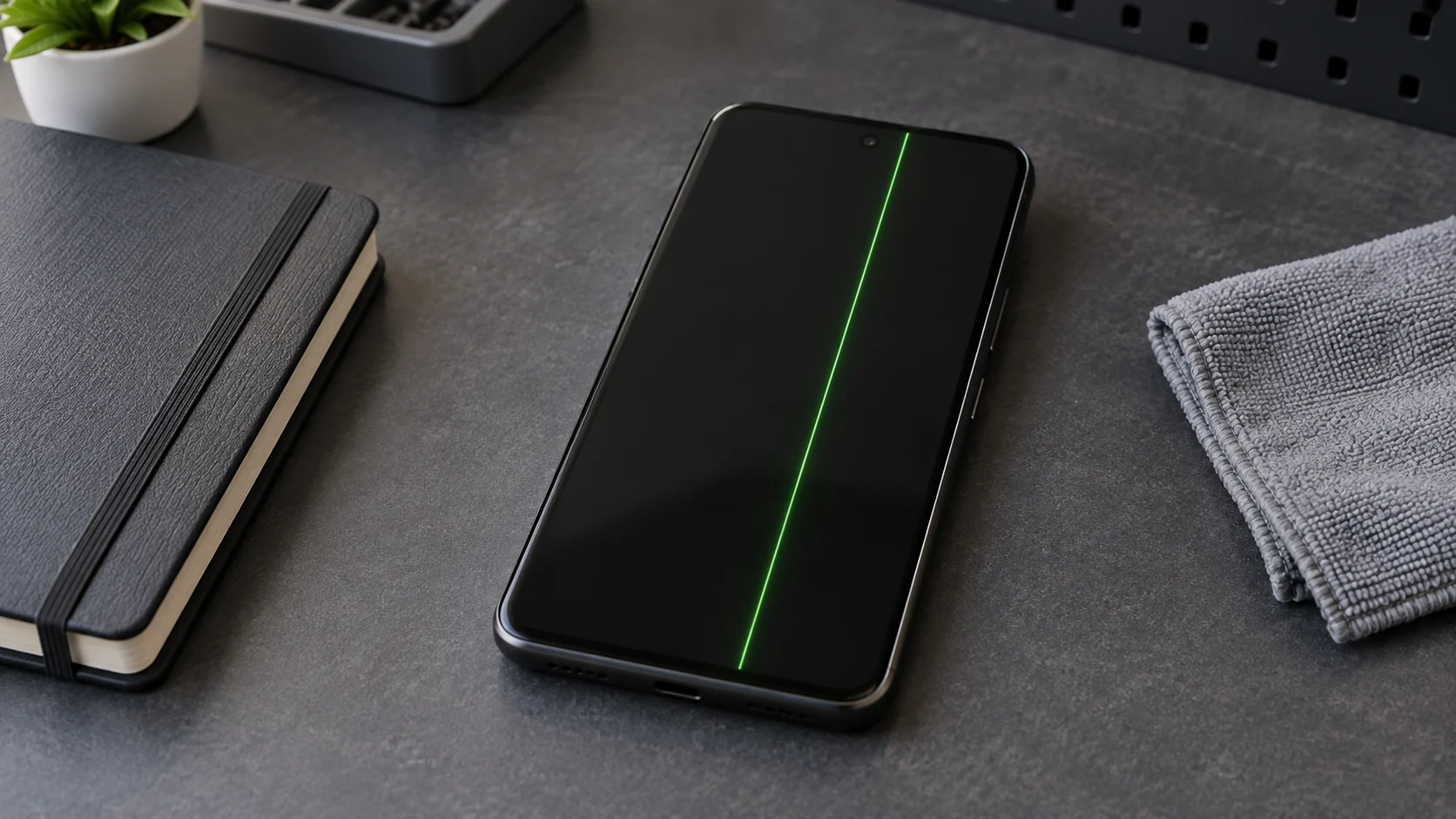
Make sure this is a Pixel 8
Google's program is for the Pixel 8. Do not assume it covers a Pixel 8 Pro, Pixel 8a, or another Pixel model with a similar line. Check the model in Settings, on the original box, in the purchase record, or in your Google Account device list.
Record the original retail purchase date if you have it. Google's program runs for three years from that date for an eligible phone. The date alone does not decide eligibility.
Record the display symptom before it changes
Use another camera to photograph or record the symptom when the phone is safe. Note whether the line reaches from the bottom to the top, whether the color changes, and whether flicker appears on the lock screen, during startup, or only in one app.
| What you see | What it means for the program check | Next step |
|---|---|---|
| A persistent vertical line from the bottom to the top | This matches one symptom in Google's program language. | Check the device identifier privately. |
| Display flicker or an intermittent green screen | Flicker also appears in Google's program language, but Google still decides eligibility. | Save a photo or video and check the program. |
| The screen is fully black while the phone rings or vibrates | This is a different symptom boundary. | Use the black-screen guide. |
| Cracked glass, impact damage, or liquid exposure | Damage can affect program acceptance and may create a separate repair need. | Stop testing and disclose the condition before service. |
A green line or flicker does not identify the failed part. The outside symptom cannot prove a bad panel, connector, board, software update, impact, or liquid fault.
Check Google's program with the identifier
Open Google's Pixel 8 Extended Repair Program page and use its eligibility route. Keep the IMEI or serial number out of public posts, comments, screenshots, and unsecured messages.
Google says an eligible phone receives one free display replacement under this program. Google or an authorized repair partner inspects the phone before the repair and makes the eligibility decision. Budget Repair cannot approve the program or speak for Google.
If the identifier is not eligible, the phone may still have ordinary warranty coverage or a paid repair path. Keep the program result with your symptom record.
Try only the supported software check
If the phone is safe, responsive, and readable enough to use, check Settings, System, then System update. Install an available update once. Google directs owners with flicker, green tint, or screen lines to update the phone and seek support or repair if the symptom remains.
Do not repeat updates, restarts, resets, restores, or erases to test the display. An unchanged line after an update still does not prove which part has failed.
Protect the data before service
Back up the phone while the screen remains usable. Check that the photos, contacts, authentication methods, and other important data exist somewhere else before handing over the device. A repair can involve data loss or replacement, even when the request begins as a display problem.
Google's Repair Mode can limit access to personal data on a supported phone, but it is not a backup. Follow Google's current instructions, remove the SIM, and do not share the screen lock. If the screen is too unstable to complete those steps, tell the service provider instead of erasing the phone.
If the screen or case is separating, use the battery swelling guide and stop charging the phone. Do not press the screen back into place.
Choose the repair route
If Google marks the phone eligible, follow its service route and keep the eligibility result, purchase record, symptom photos, and backup status. Ask what will happen if inspection finds excluded damage before authorizing other work.
If the phone is ineligible, request a physical inspection and written quote. Share the exact model, line or flicker pattern, program result, impact or liquid history, prior repairs, and data priority. Do not authorize a guessed part from the symptom alone.
Budget Repair's Android repair page describes local service in Lawrence. Use the quote form to ask whether your Pixel 8 condition can be inspected. Budget Repair is not a Google-authorized provider and cannot promise acceptance, repair, cost, timing, or data recovery.
Editorial sources
Checked October 15, 2026 against Google's current Pixel 8 Extended Repair Program, screen appearance guidance, repair partner and preparation guidance, and Repair Mode instructions. Google supplies the model, symptom, identifier, inspection, coverage, update, backup, and privacy boundaries. The review also checked current search results and October owner reports for the words people use when the line is intermittent or program eligibility is unclear. Those reports do not prove cause, frequency, eligibility, or repair outcome. Budget Repair added the symptom record, safety stops, internal routes, and local service boundary. Budget Repair is not affiliated with Google.